TriExport icon TriExport

Export your triathlon
to Strava.

Apple Watch records your whole multisport workout. Strava wants three activities. TriExport gives you three clean GPX files — swim, bike, run — ready to upload.

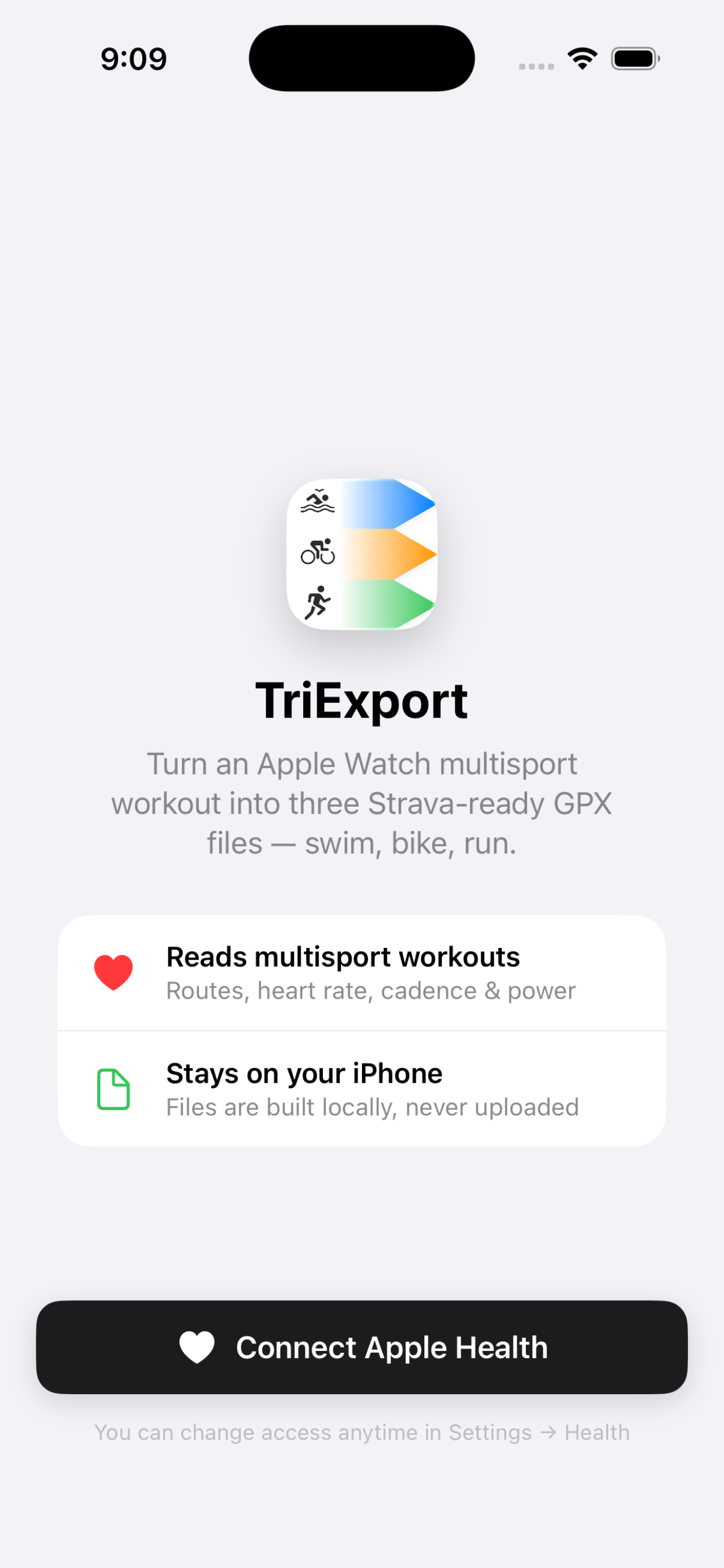
Plug into Apple Health.

Grant TriExport read-only access to Apple Health and every multisport workout from your Apple Watch shows up. Nothing leaves your phone — TriExport has no servers and no account to create.

TriExport onboarding screen

Every triathlon, in one place.

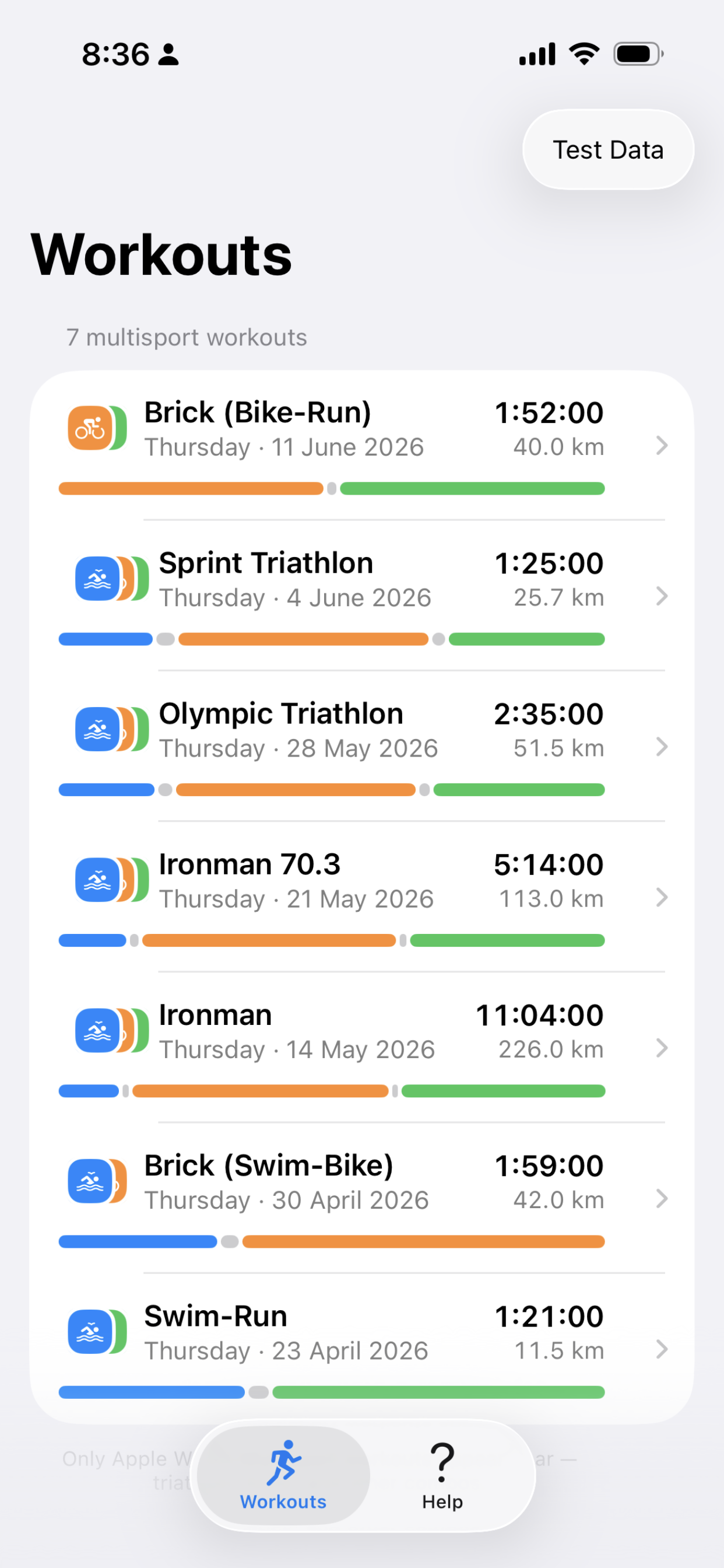
Triathlons, duathlons, bricks, Ironman 70.3 — anything your Watch recorded as a multisport workout, sorted by date and ready to export.

TriExport workouts list

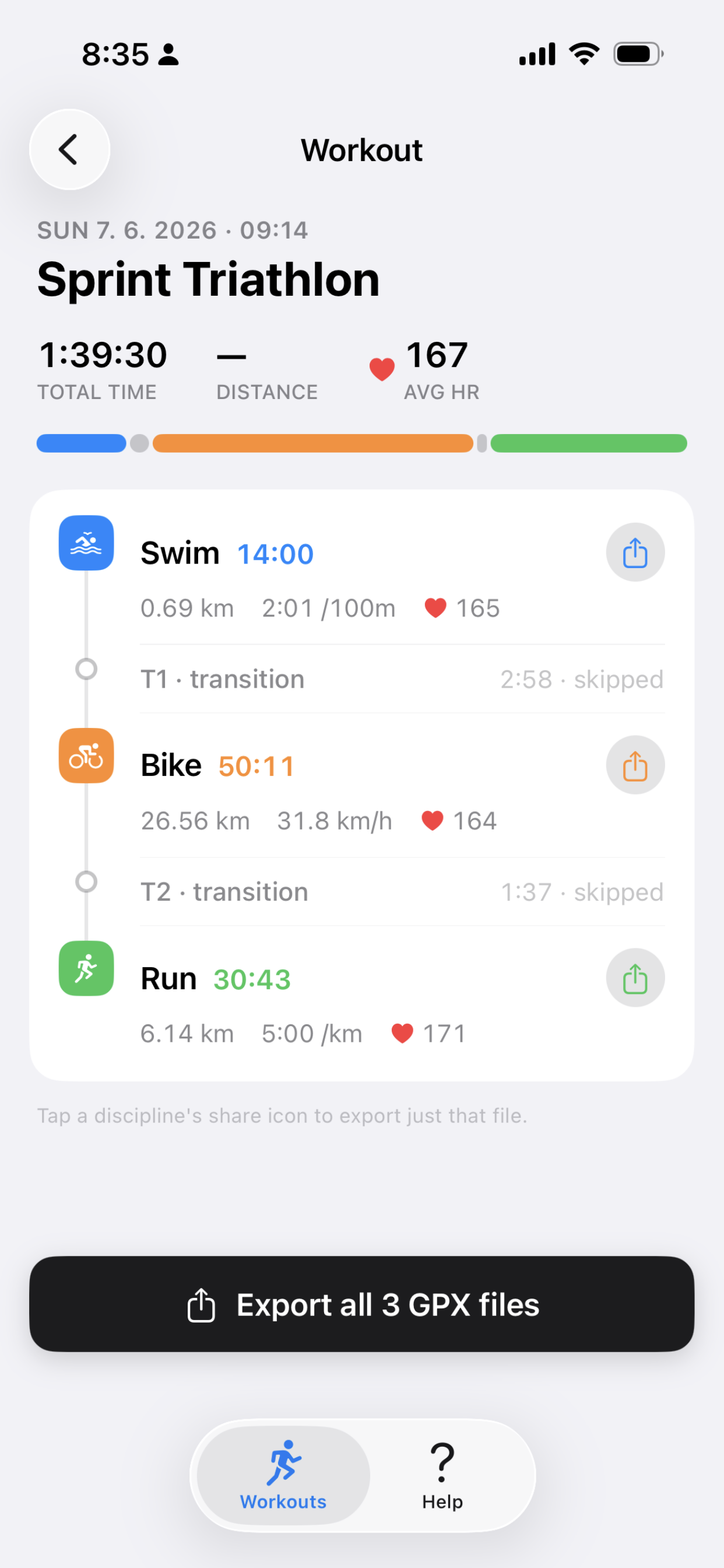
Three disciplines, three files.

TriExport unpacks each segment into its own GPX file with the full GPS route, heart rate, cadence, and power preserved — exactly as your Watch recorded them.

TriExport workout detail showing swim, bike, and run segments

One tap to your training log.

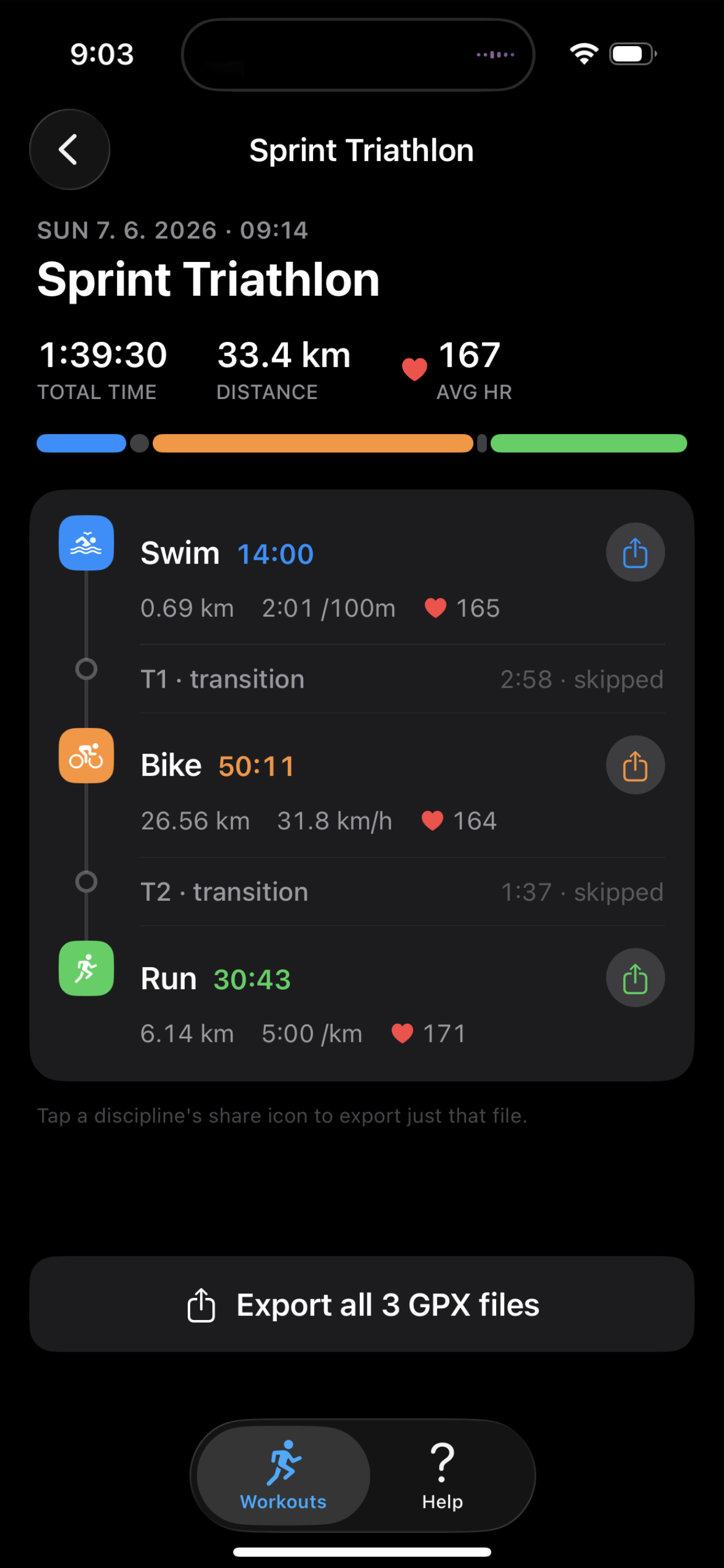
Share each file straight to Strava from the iOS share sheet. Every activity lands with the correct sport, the right splits, and every metric your Watch captured.

TriExport export view with share buttons

For athletes who care about every split.

TriExport is a focused converter for triathletes and multisport racers. Apple Watch records the whole event; Strava wants three activities. TriExport bridges the gap — every metric your Watch captured, every meter of route, lands in your training log the way you raced it. No accounts, no servers, no subscriptions.

Support

Questions, bug reports, or feature ideas? Email triexport@sekava.dev — every message is read.

Which workouts are supported?
Any multisport workout recorded by Apple Watch — triathlons, duathlons, bricks (swim-bike, bike-run, swim-run), and any custom swim-bike-run sequence. Requires watchOS 9 or later.
Why three files instead of one?
Strava treats each discipline as a separate activity. Three GPX files preserve the correct sport tag, splits, and metrics for each leg — instead of one blob that ends up as a generic workout.
What's inside the GPX files?
Full GPS route, heart rate, and running cadence on every supported workout. Cycling cadence and power are included when your Watch and sensors recorded them (cycling cadence requires iOS 17 or later).
Where does my data go?
Nowhere you don't send it. TriExport reads your workout from HealthKit, builds the GPX files locally on your iPhone, and hands them to the iOS share sheet. No account, no cloud, no analytics.
Still need help?
Email triexport@sekava.dev. Include your iOS version and a short description of what happened — you'll get a reply.